01
Brighter low-light exploration
Designed to reduce the visual darkness of caves and night environments so terrain, paths and nearby blocks are easier to see.
Fullbright Mod improves visibility in dark Minecraft areas by increasing brightness, helping with cave exploration, nighttime travel and mining without adding a separate installer.
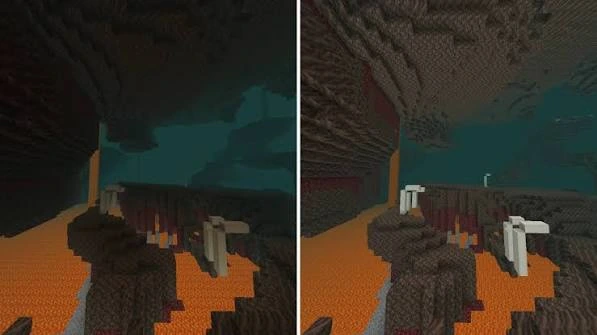
Fullbright Mod is a visibility-focused Minecraft resource intended to make dark environments easier to see. The supplied download contains OptiFine lightmap files and its own package metadata states that OptiFine is required.
It is useful for caves, nighttime exploration and mining where low light can make blocks and paths difficult to inspect.
Download NowDesigned to reduce the visual darkness of caves and night environments so terrain, paths and nearby blocks are easier to see.
The main download button serves the ZIP directly from this website package instead of sending visitors through an unrelated redirect.
The site separates confirmed facts about the supplied ZIP from common Forge, Fabric, Bedrock and version-search terms.
Get the supplied ZIP from the main download section.
Confirm the game version and OptiFine compatibility for your setup.
Add the ZIP to the resource-pack workflow and activate it.
Open a low-light area and confirm the visibility change.
| Search / Setup | Status for supplied ZIP | What to know |
|---|---|---|
| OptiFine | Required | The package metadata explicitly says OptiFine is required. |
| Minecraft Java resource-pack workflow | Structured for it | The ZIP contains assets/minecraft/optifine/lightmap files. |
| Forge / Fabric / NeoForge | Verify separately | No loader-specific mod JAR was supplied in this package. |
| Bedrock / MCPE | Different format | The supplied ZIP is not presented as a verified Bedrock add-on package. |
| 1.21 / 1.21.1 | Check version | Confirm exact pack-format support before using on a newer game build. |
See cave shapes, ledges and nearby paths more clearly in low-light spaces.
Improve visual awareness while moving through dark outdoor terrain.
Make tunnels, block edges and route planning easier to inspect.
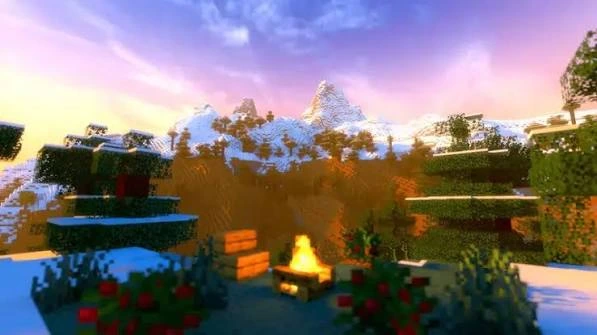
Use the brightness-focused setup when you want a clearer view of terrain, routes, cave edges and surrounding blocks.
The ZIP below is bundled with this website build and is served from your own domain after deployment.
Download Fullbright Mod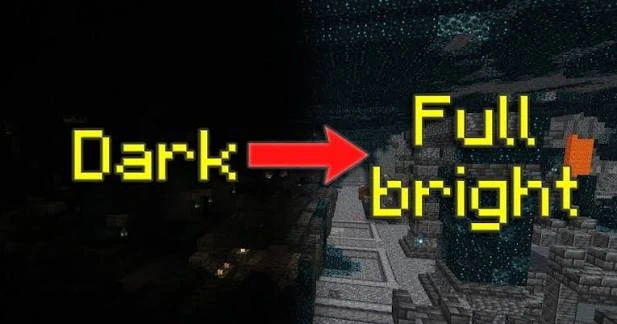
Get fullbright-mod.zip from the main Download section.
Confirm that the Minecraft and OptiFine versions you use can work with the pack.
Place the ZIP in your Minecraft resource-pack location and enable it in Resource Packs.
Open a cave or nighttime area. If nothing changes, review the troubleshooting guide.
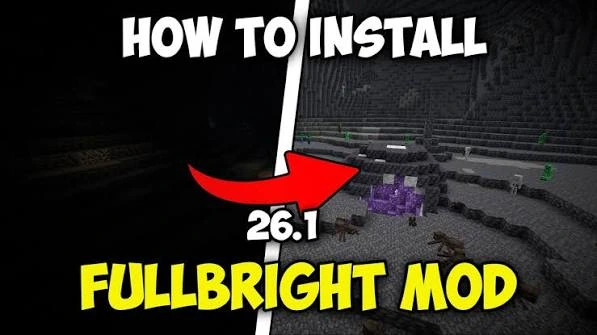
Use the Fullbright Mod download on this site, confirm what you received, and then add it to your Minecraft setup. The supplied package is a ZIP resource/lightmap file, not an executable installer.
Download from fullbrightmod.com.
Expect a ZIP package, not an EXE.
Package metadata notes OptiFine is required.
Fullbright.zip, republished in this website as assets/downloads/fullbright-mod.zip.
Contains assets/minecraft/optifine/lightmap/ plus pack.mcmeta and pack.png.
The package description states that OptiFine is required and records pack format 15.
Confirm OptiFine is installed and running, because the supplied package is built around OptiFine lightmaps.
Temporarily disable shaders or other packs that could replace lighting or lightmap files.
Check that your Minecraft version supports the pack format and your chosen OptiFine build.
Three useful guides are shown here. Open the guide library for the remaining setup, compatibility, safety and troubleshooting articles.
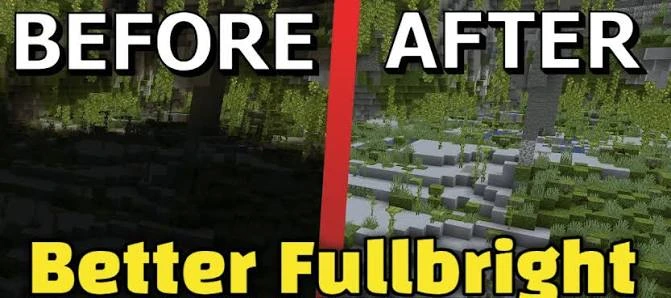
Download the supplied Fullbright Mod ZIP directly and keep the file ready for setup.
Read guide →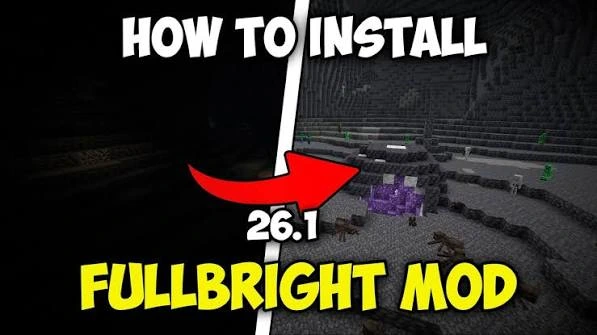
The supplied package metadata says OptiFine is required. Follow a clean setup checklist.
Read guide →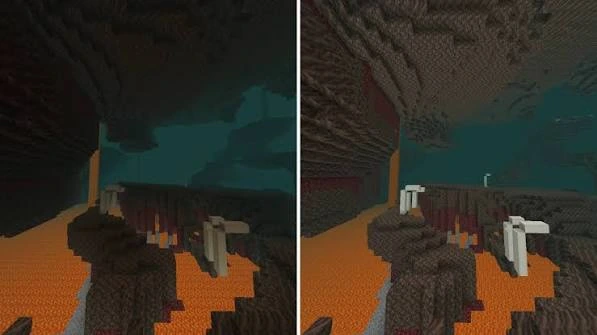
See how brightness-focused lightmaps can make dark Minecraft areas easier to inspect.
Read guide →Fullbright Mod is presented here as a Minecraft visibility-focused brightness resource designed to make dark areas easier to inspect.
The main download button serves the supplied fullbright-mod.zip file directly from this website under the assets/downloads folder.
Yes. The supplied ZIP contains OptiFine lightmap assets, and its pack metadata explicitly states that OptiFine is required.
The supplied package is structured as a resource-pack/lightmap ZIP rather than a verified Forge mod JAR, so do not treat it as a confirmed Forge build.
No Fabric-specific mod file was supplied. If you search for Fullbright Mod Fabric, verify that the build you choose specifically supports Fabric.
The supplied file does not include a verified NeoForge mod package. Check exact game and loader compatibility before using any NeoForge-specific build.
The supplied ZIP follows a Java/OptiFine-style resource structure, not a verified Bedrock or MCPE add-on format.
Its pack.mcmeta uses pack_format 15. Because Minecraft pack formats are version-specific, confirm compatibility with the exact game version you plan to use.
Yes. The primary download in this website build points to a local ZIP path, so it can be served directly from your domain after upload.
They reflect common search terms and are covered as compatibility topics, not as claims that the supplied ZIP supports every loader or edition.
Keep the ZIP intact, place it in the appropriate Minecraft resource-pack workflow for your setup, enable OptiFine as required, then activate the resource package in game.
Usually a Minecraft resource pack can remain zipped, but your exact launcher or setup may differ. If the pack is not detected, inspect the ZIP structure before extracting it.
Check that OptiFine is active, the resource package is enabled, the game version is compatible, and another shader or resource pack is not overriding the same lighting files.
Yes. Shaders can replace lightmaps or brightness behavior, so test without shaders if the expected visibility change does not appear.
No. It changes the game-side visibility presentation; it does not change your display hardware settings.
It is intended for visibility, not FPS. Performance depends on your Minecraft version, OptiFine settings, shaders, hardware and other packs or mods.
That is one of the primary use cases: improving visibility in caves, mines and other low-light environments.
Check whether your active resource packs and OptiFine build are compatible with the new game version, and keep a backup of your working configuration.
Confirm the filename and domain, keep the download from the site’s main Download section, and inspect the archive contents before making setup changes.
Use the Guide / Blog pages for setup, compatibility, troubleshooting, performance and file-safety guidance.